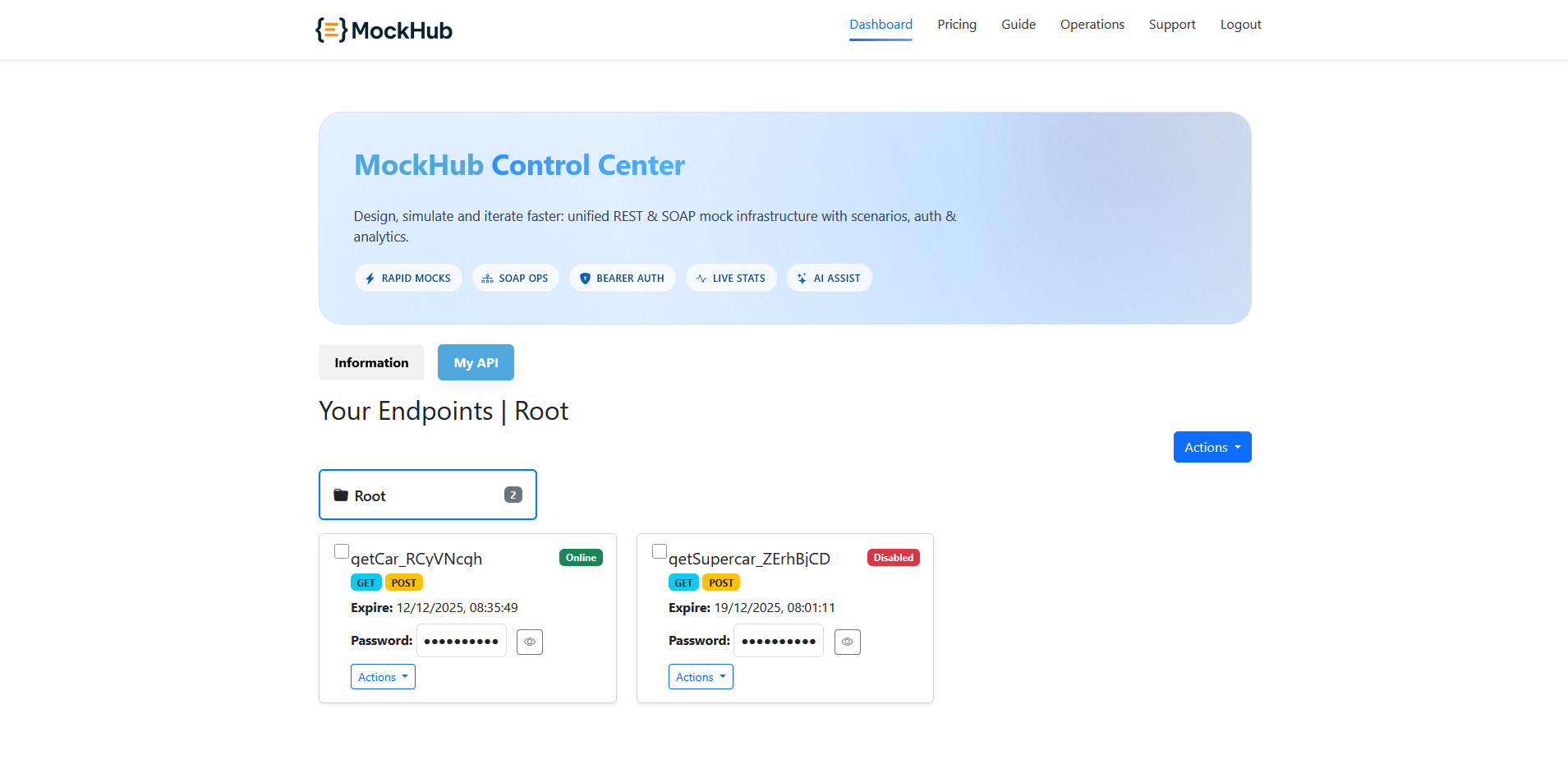
1) Open actions on the endpoint
From the dashboard, locate the endpoint card. Open the Actions menu to access management options.
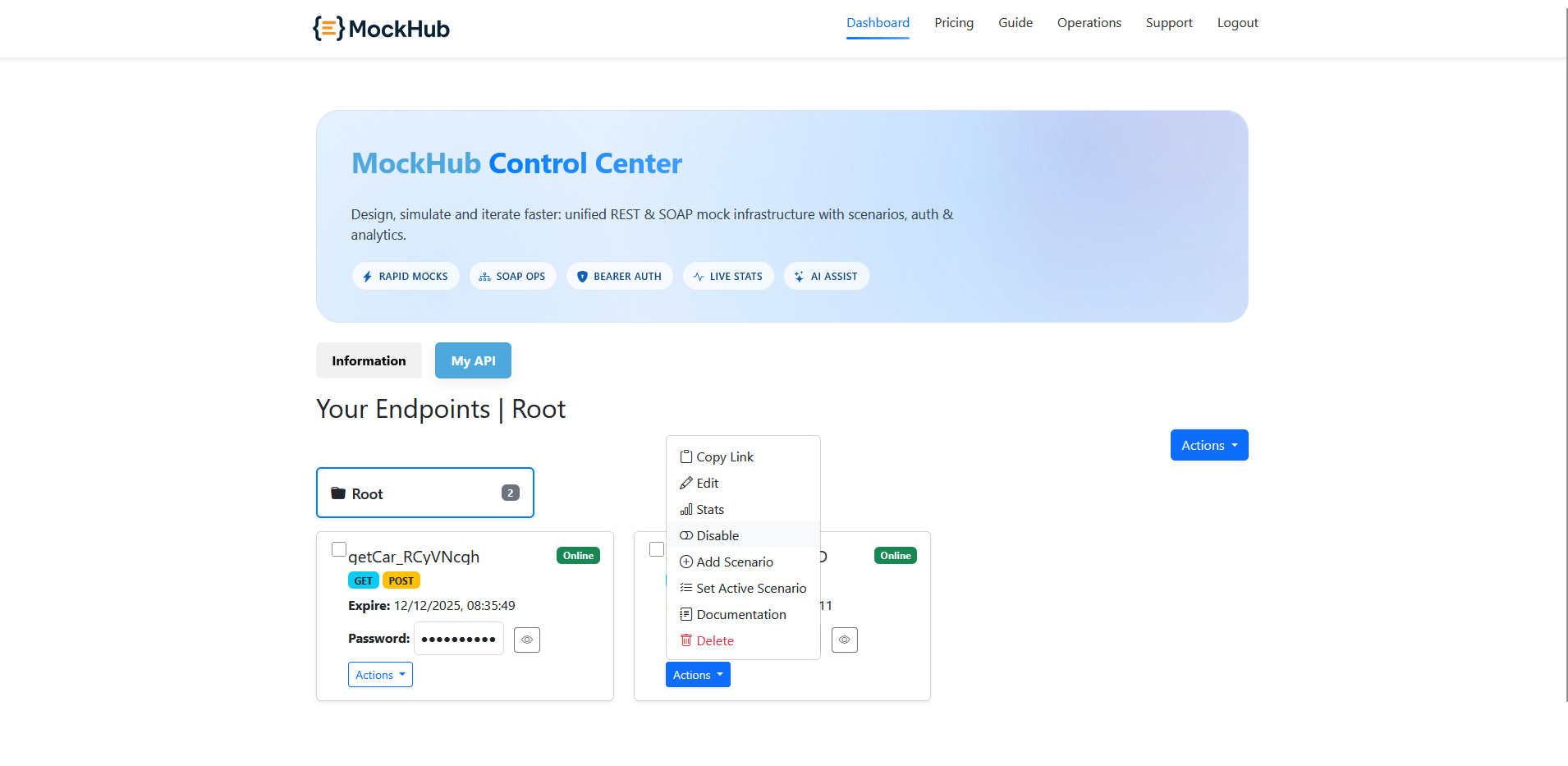
2) Confirm disable
Click Disable. A confirmation popup appears; review and confirm to disable the endpoint.
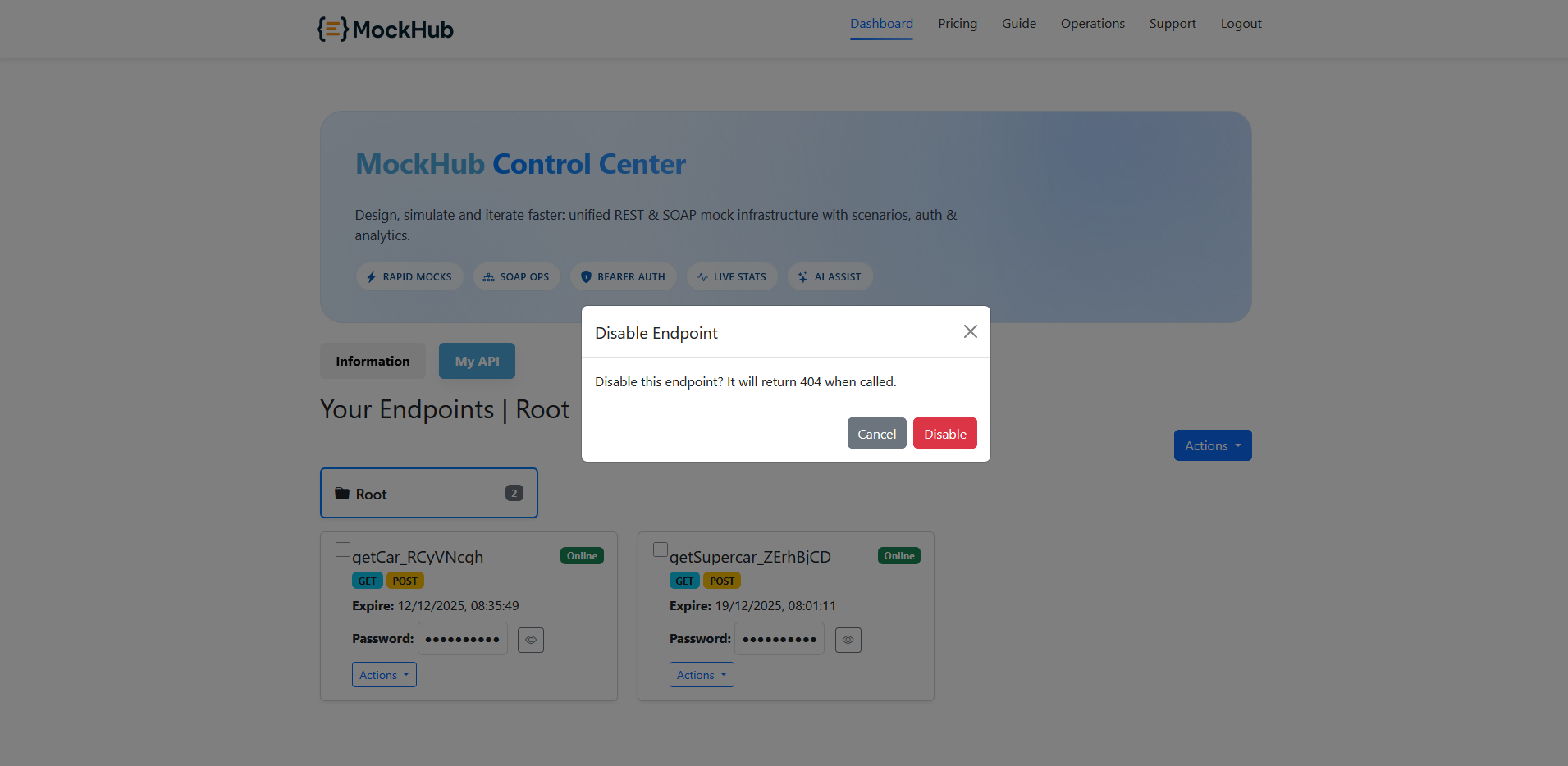
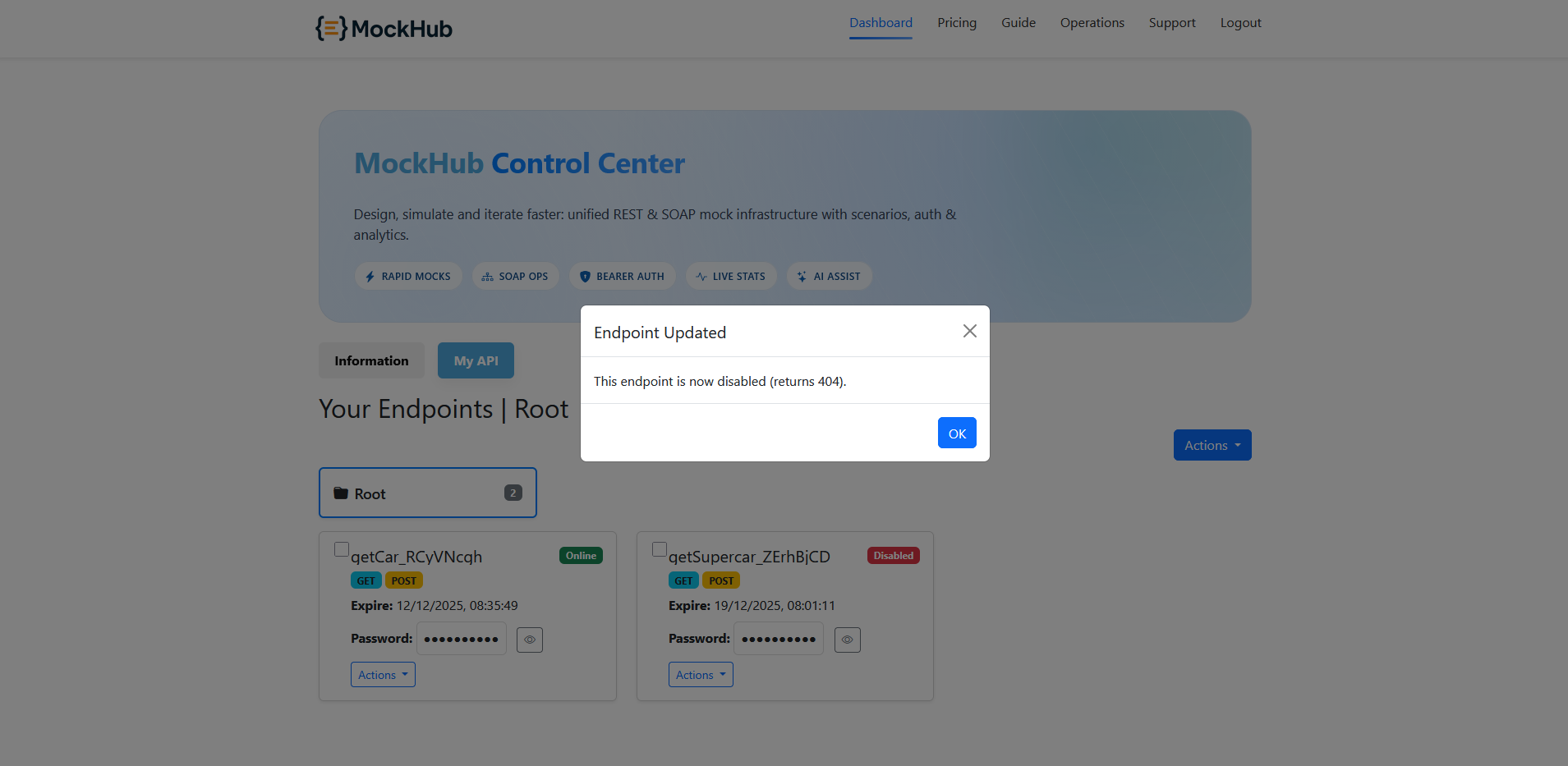
3) Verify status change
After disabling, the endpoint’s status label changes from Online to Offline on its card.